Ardian avatar
// PLAYER_PROFILE

ARDIAN

Counter-Strike 2

640 eDPI
800 DPI
0.8 Sens
360 Hz

Player Profile

Competitive CS2 player who obsesses over every detail of the setup — from the right eDPI and crosshair to monitor OSD calibration and Windows latency tweaks. Every setting on this site is what I personally use and have tuned over years of high-level play.

This site exists so anyone can copy my exact config with zero guesswork.

Game Counter-Strike 2
Role Rifler
eDPI 640
DPI 800
Sensitivity 0.8
Resolution 1280×960 Stretched

CS2 & FACEIT Stats

Live data — auto-refreshes every 5 minutes

CSStats · Premier

Loading season ratings…

View on CSStats
—
Current Premier
Latest season
—
Best Premier
Across recorded seasons
—
Previous Season
Last recorded rating

Performance Charts

Live FACEIT data visualized.

Gaming Settings

Every in-game setting I use in CS2.

DPI 800
Sensitivity 0.8
eDPI 640
Polling Rate 1000 Hz
Zoom Sensitivity Multiplier 1
m_yaw 0.022
Style 4 — Classic Static
Follow Recoil OFF
Size 1
Thickness 1
Gap -4.5
Outline OFF
Color Custom (5)
R / G / B 0 / 255 / 0
Dot OFF
T-Style OFF

Import the share code below directly in CS2 —
Game Settings → Crosshair → Import Share Code

CS2 Share Code
CSGO-onHCz-E4juL-HxHBd-mvAF3-pcdBN
PREVIEW
Resolution 1280×960
Aspect Ratio 4:3 Stretched
Display Mode Fullscreen
Refresh Rate 360 Hz
Brightness 93%
Boost Player Contrast Enabled
V-Sync Disabled
Anti-Aliasing 8x MSAA
Global Shadow Quality Low
Model / Texture Detail Low
Texture Filtering Mode Anisotropic 16X
Shader Detail Low
Particle Detail Low
Ambient Occlusion Disabled
HDR Quality
FidelityFX Super Resolution Disabled (Highest Quality)
NVIDIA Reflex Low Latency Enabled
FOV (viewmodel_fov) 68
Offset X (viewmodel_offset_x) 2.5
Offset Y (viewmodel_offset_y) 0
Offset Z (viewmodel_offset_z) -1.5
Preset (cl_viewmodel_shift_...) 2
ZOWIE XL2566K — OSD Settings
Black Equalizer 10
Color Vibrance 20
Low Blue Light 0
Gamma Gamma 3
Color Temperature User / Normal
Red / Green / Blue 100 / 100 / 100
DyAc Premium
Brightness 100
Contrast 50
Sharpness 10
AMA Premium
Scaling via NVIDIA Control Panel
Wooting 80HE — CS2 2 Profile
Share Code
cad880b134acacdabd4a58c81468b3d8a63a
8000
Hz
Tachyon Mode
Actuation Points
All other keys 2.00 mm
0 mm4 mm
W E A S D
0.70 mm
0 mm4 mm
Rapid Trigger
Enabled On W A S D
RT Sensitivity 0.50 mm
Split Sensitivity OFF
Continuous RT ON

Config & Binds

Launch options, key binds, HUD, radar, and nade config.

Launch Options
+exec autoexec.cfg
Config File Paths
Game CFG ...\Counter-Strike Global Offensive\game\csgo\cfg
User CFG ...\Steam\userdata\221544179\730\local\cfg
Download Config
autoexec.cfg DOWNLOAD
HUD Settings
safezonex 1
safezoney 1
Radar Settings
cl_hud_radar_scale 0.999507
cl_radar_scale 0.7
cl_radar_always_centered true
cl_radar_rotate true
cl_radar_icon_scale_min 0.6
Key Binds
Movement
SPACE+MWHEEL ↑+MWHEEL ↓
Jump
SHIFT
Walk
CTRL
Duck / Crouch
E
Use
Combat
MOUSE1
Fire
MOUSE2
Secondary Fire / Scope
Q
Quick Switch alias +qsw
1
Primary Weapon
2
Secondary Weapon
3
Melee
G
Drop Weapon
F
Inspect Weapon
Grenades
X
Flashbang slot7
C
Smoke slot8
4
HE Grenade slot6
Z
Molotov / Incendiary slot10
9
Decoy
7
Zeus x27
5
Explosives (slot5)
Communication
MOUSE4
Microphone / PTT
MOUSE3
Ping / Voice Command
Y
Chat
U
Team Message
T
Graffiti / Spray
UI / Menu
TAB
Scoreboard
B
Buy Menu
M
Choose Team
`
Console
Nade Training Config Paste into console on a local server
sv_cheats 1; bot_kick; mp_limitteams 0; mp_autoteambalance 0; mp_roundtime 60; mp_roundtime_defuse 60; mp_freezetime 0; mp_warmup_end; ammo_grenade_limit_total 5; sv_infinite_ammo 1; mp_maxmoney 60000; mp_startmoney 60000; mp_buytime 9999; mp_buy_anywhere 1; mp_restartgame 1; sv_grenade_trajectory 1; sv_grenade_trajectory_time 10; sv_showimpacts 1; sv_showimpacts_time 10; give weapon_incgrenade; give weapon_flashbang; give weapon_smokegrenade; give weapon_molotov; give weapon_decoy; give weapon_hegrenade; sv_grenade_trajectory_prac_pipreview true; sv_grenade_trajectory_prac_trailtime 6; sv_rethrow_last_grenade

CS2 Inventory

Steam Market lowest listing prices in EUR. Float, pattern and applied sticker premiums are excluded.

View on Steam ↗
— itemsPriced subtotal: —

Inventory loads when you reach this section.

Gear & Setup

The gear and laptop I use daily.
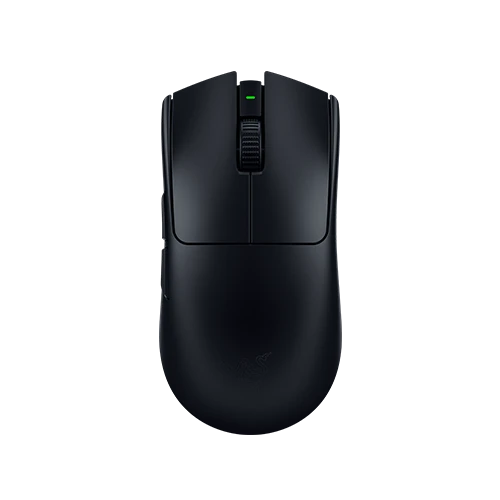
Razer Viper V3 Pro
MOUSE

Razer Viper V3 Pro

  • Weight58g
  • SensorFocus Pro 30K
  • Max DPI30,000
  • Polling1000 Hz (used)
  • ShapeAmbidextrous
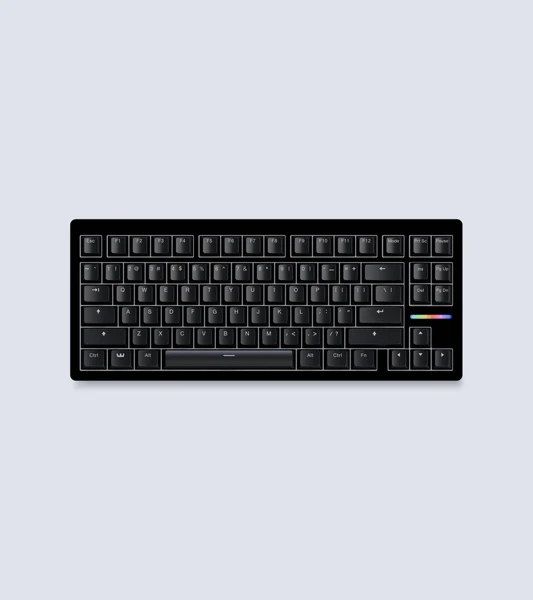
Wooting 80HE Zinc Alloy
KEYBOARD

Wooting 80HE Zinc Alloy

  • SwitchLekker Gen 2
  • Form Factor80% / TKL
  • TechnologyHall Effect / Analog
  • Rapid TriggerYes (0.1mm)
  • BuildZinc Alloy
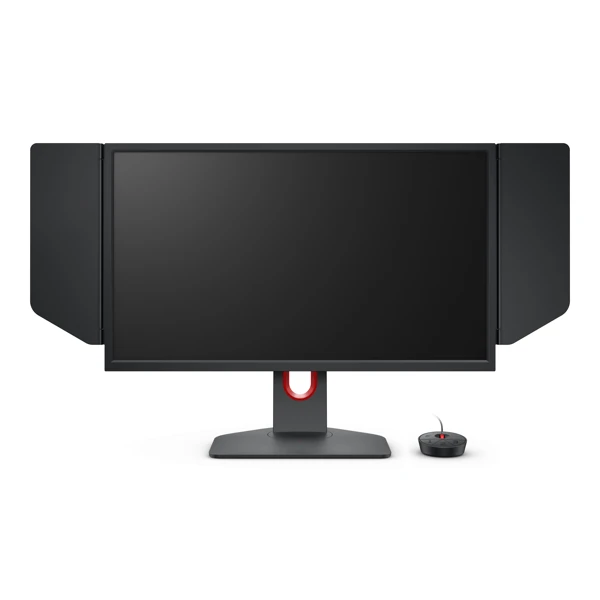
ZOWIE XL2566K
MONITOR

ZOWIE XL2566K

  • Refresh Rate360 Hz
  • Resolution1920×1080
  • PanelTN
  • Response0.5ms GtG
  • DyAc+Yes
SteelSeries QcK Heavy
MOUSEPAD

SteelSeries QcK Heavy

  • SurfaceMicro-woven cloth
  • Thickness6mm
  • BaseNon-slip rubber
  • GlideMedium
  • SeriesHeavy (QcK)
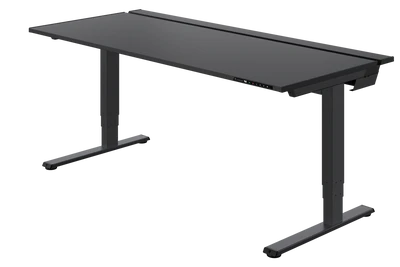
Secretlab MAGNUS Pro XL
DESK

Secretlab MAGNUS Pro XL

  • MaterialSteel
  • SizeXL — 177×78cm
  • Cable MgmtBuilt-in magnetic
  • MAGPADCompatible
  • HeightAdjustable
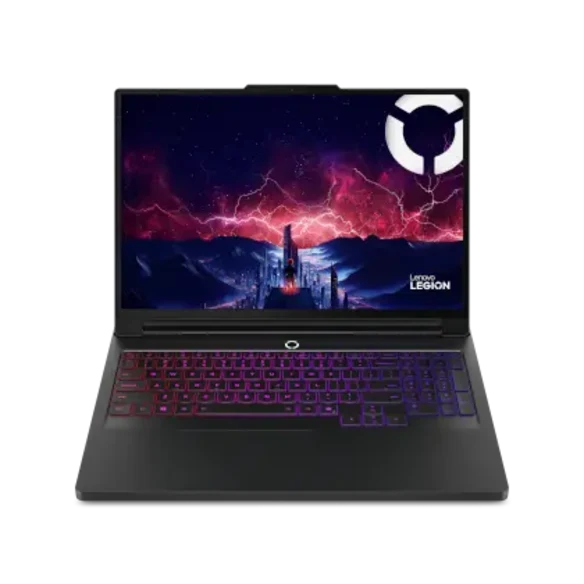
Lenovo Legion Pro 7 Gen 10 16-inch AMD
LAPTOP

Lenovo Legion Pro 7

  • CPURyzen 9 9955HX3D
  • GPURTX 5080 · 16GB
  • Memory32GB DDR5-5600
  • Storage1TB PCIe Gen 5 SSD
  • Display16" OLED · 240Hz
  • Resolution2560 × 1600

PC Specs

Tuned for maximum CS2 FPS and minimal input lag.
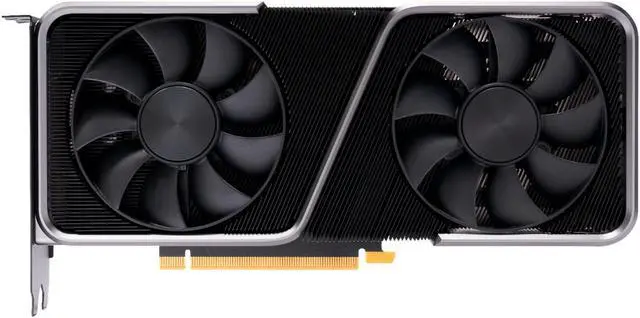
NVIDIA GeForce RTX 3070
GPU
NVIDIA GeForce RTX 3070 8GB GDDR6 · Ampere
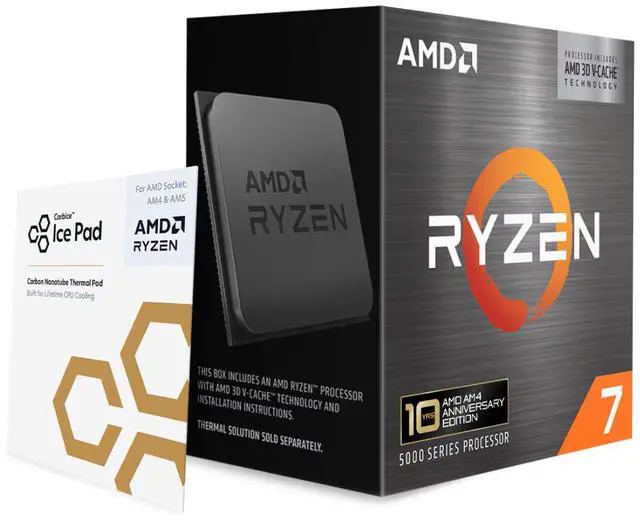
AMD Ryzen 7 5800X3D
CPU
AMD Ryzen 7 5800X3D 8 Cores / 16T · 3D V-Cache · 4.5GHz Boost
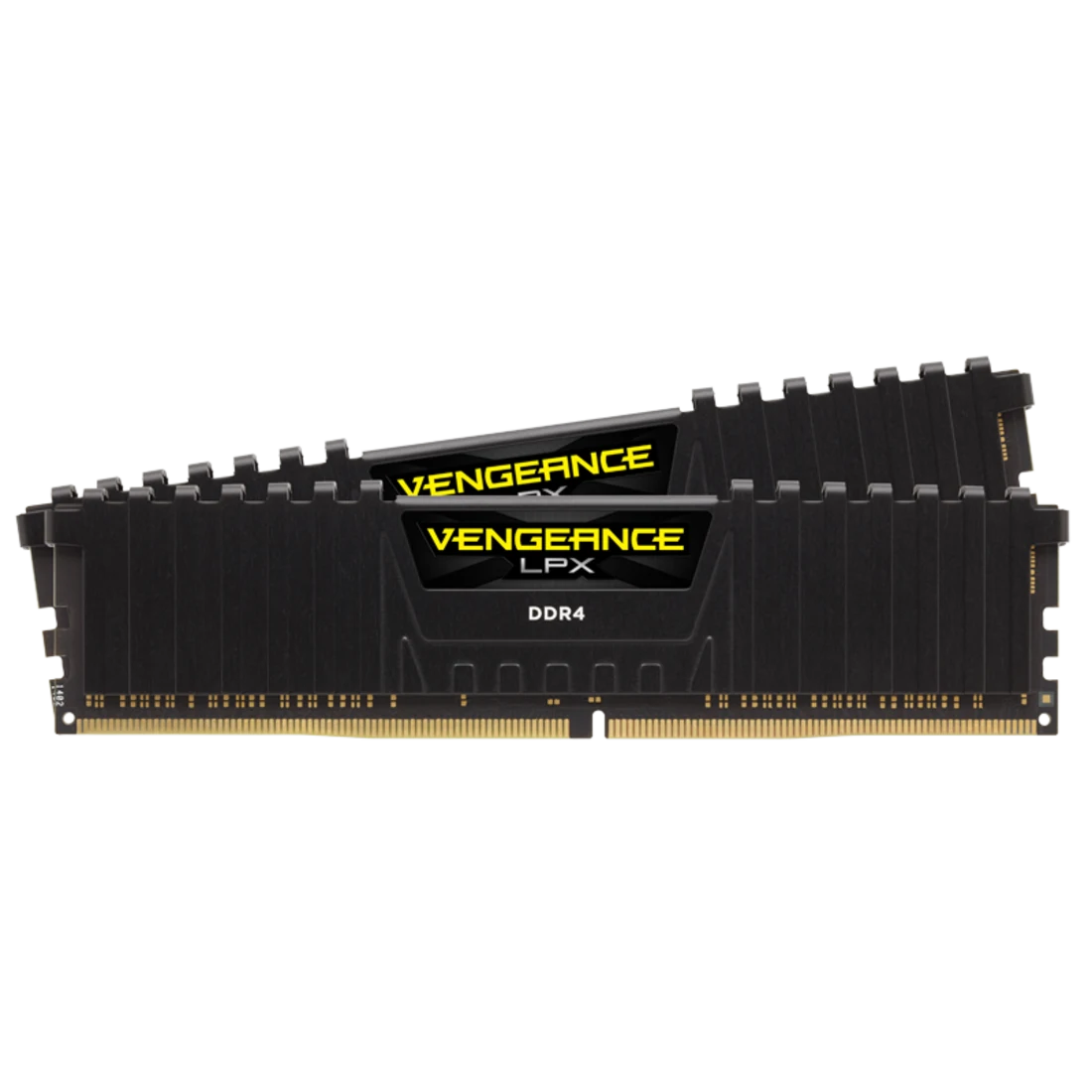
32GB DDR4 RAM
RAM
32GB DDR4 Dual Channel
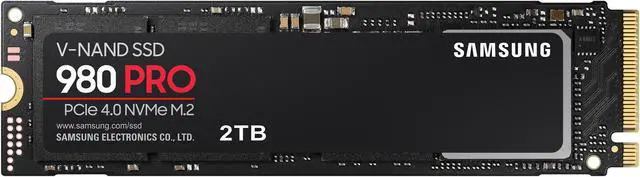
Samsung 980 Pro 2TB
SSD
Samsung 980 Pro 2TB NVMe M.2 PCIe 4.0 · 7,000 MB/s
OS
Windows 11 Prefer Maximum Performance · HAGS ON · ReBAR ON

Windows Tweaks

System-level optimizations for minimum latency and maximum FPS.

OFF
Fullscreen Optimizations

Disabled per-game via .exe properties → Compatibility. Reduces overhead and enforces true exclusive fullscreen.

ON
HAGS

Hardware-Accelerated GPU Scheduling enabled. Reduces GPU-related latency on Windows 11.

OFF
NVIDIA Low Latency Mode

Set to Off in NVCP. NVIDIA Reflex (enabled in CS2) handles latency reduction more effectively.

MAX
Power Management Mode

NVCP → Prefer Maximum Performance. Prevents GPU clock throttling at low-load moments.

OFF
Core Isolation / Memory Integrity

Disabled in Windows Security. Removes the virtualization-based security overhead.

ON
Resizable BAR (ReBAR)

Enabled in BIOS. Allows CPU direct full VRAM access, improving FPS on supported platforms.

DISABLED
Core 0 (CPU Core Affinity)

Core 0 excluded from CS2 process affinity. Reserving it for OS and driver interrupts reduces micro-stutters.